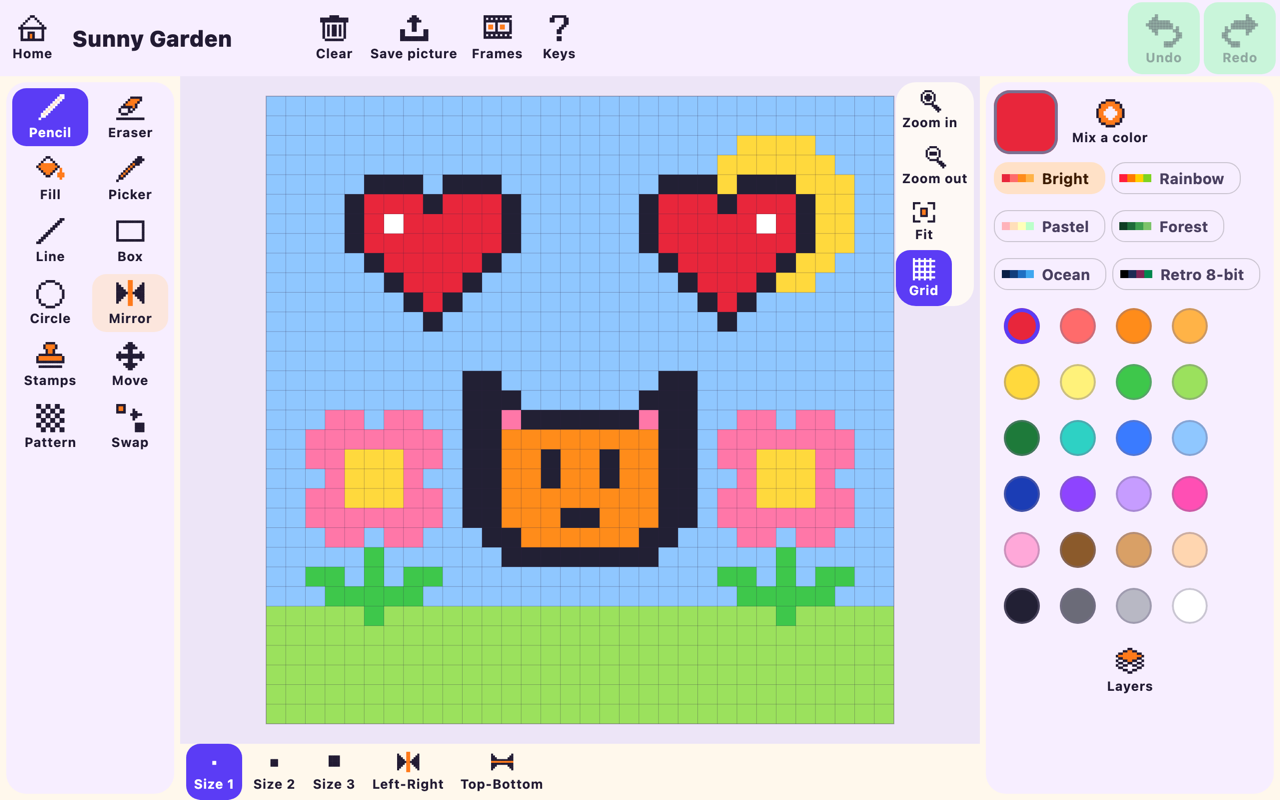
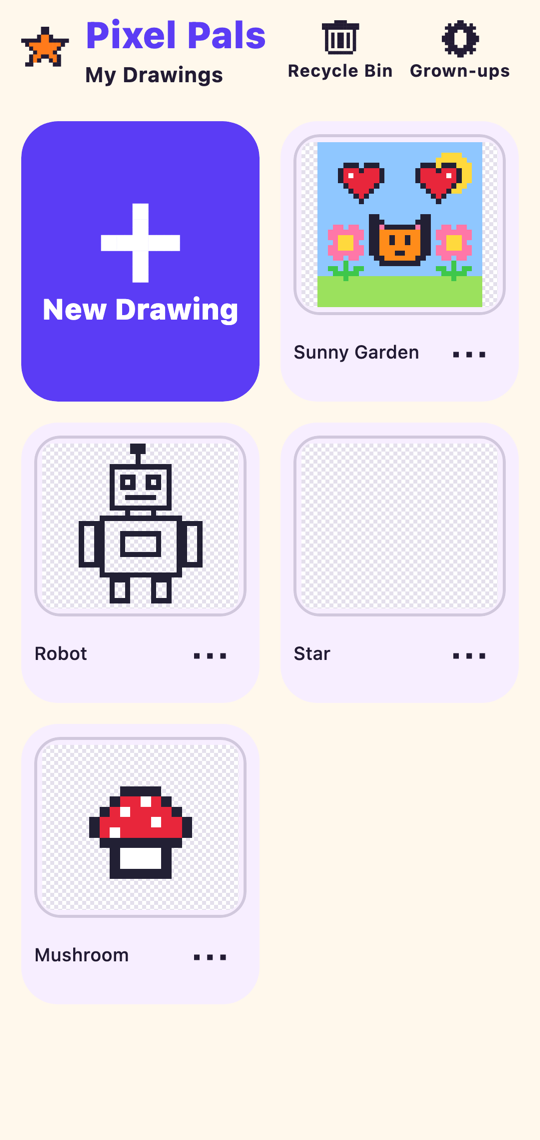
The tools are simple enough for a five-year-old and still fun for an older kid who wants to make sprites and little animations.
✏️
Friendly tools
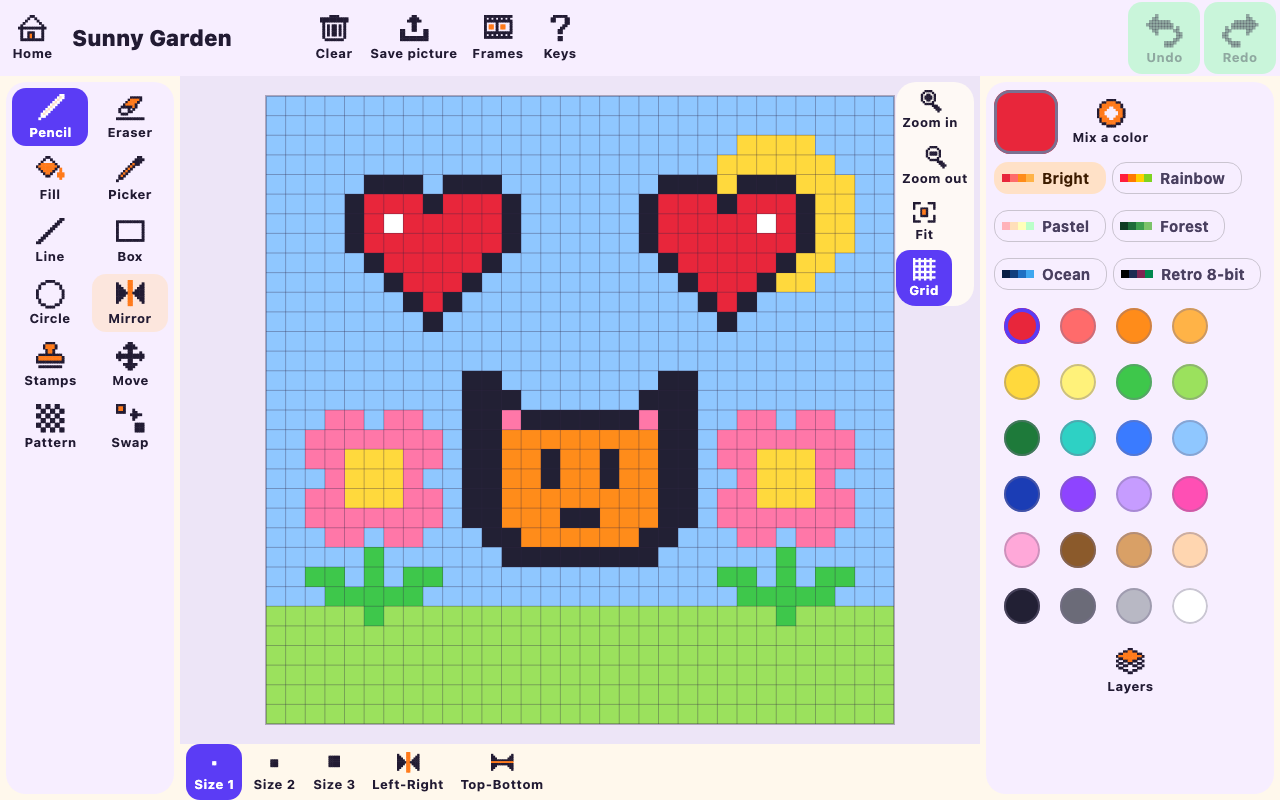
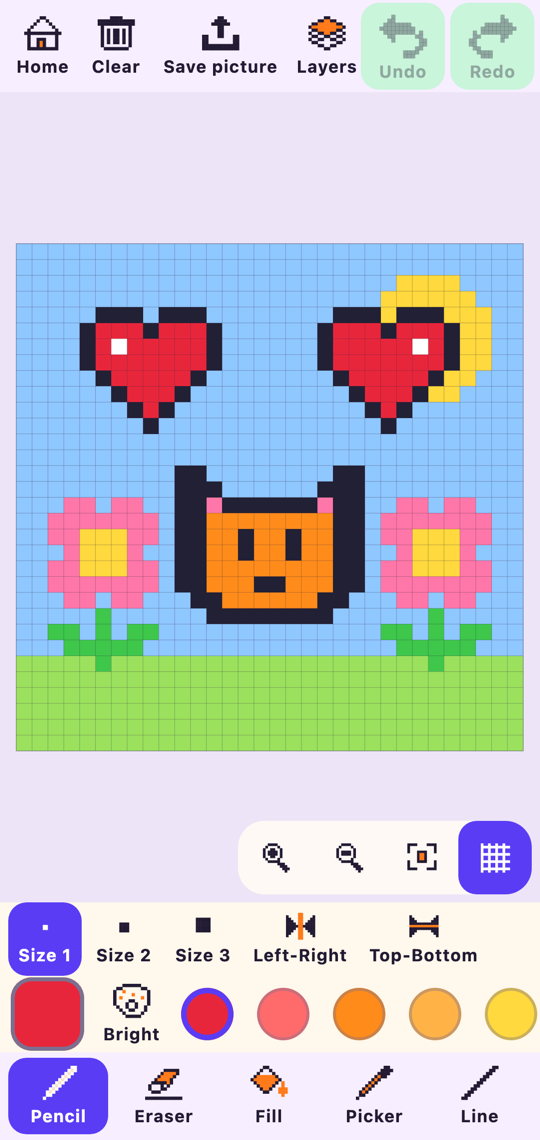
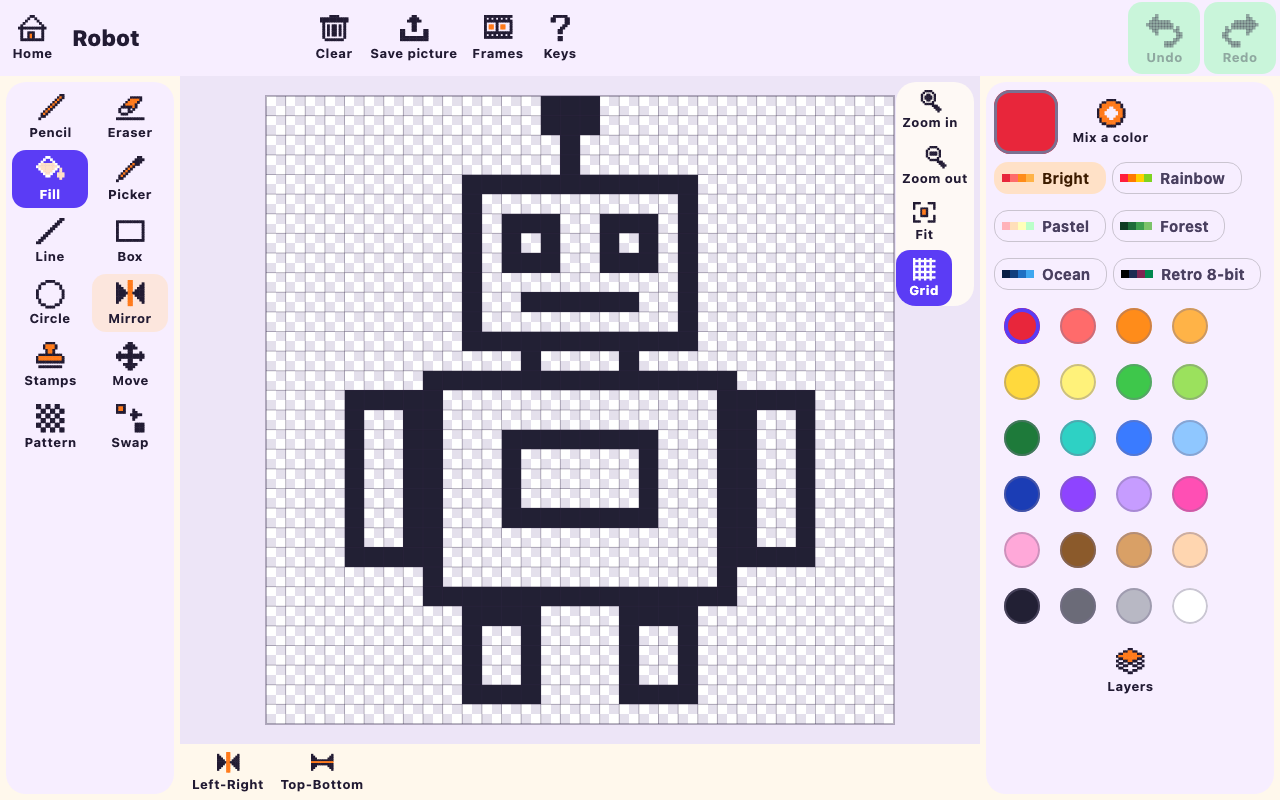
Pencil, eraser, fill, picker, line, box, circle, move, pattern brush and color swap, each with a big icon and a label.
🪞
Mirror mode
Draw on one side and it appears on the other, left-right, top-bottom or both. Hearts and butterflies come out perfect.
🎨
Lots of colors
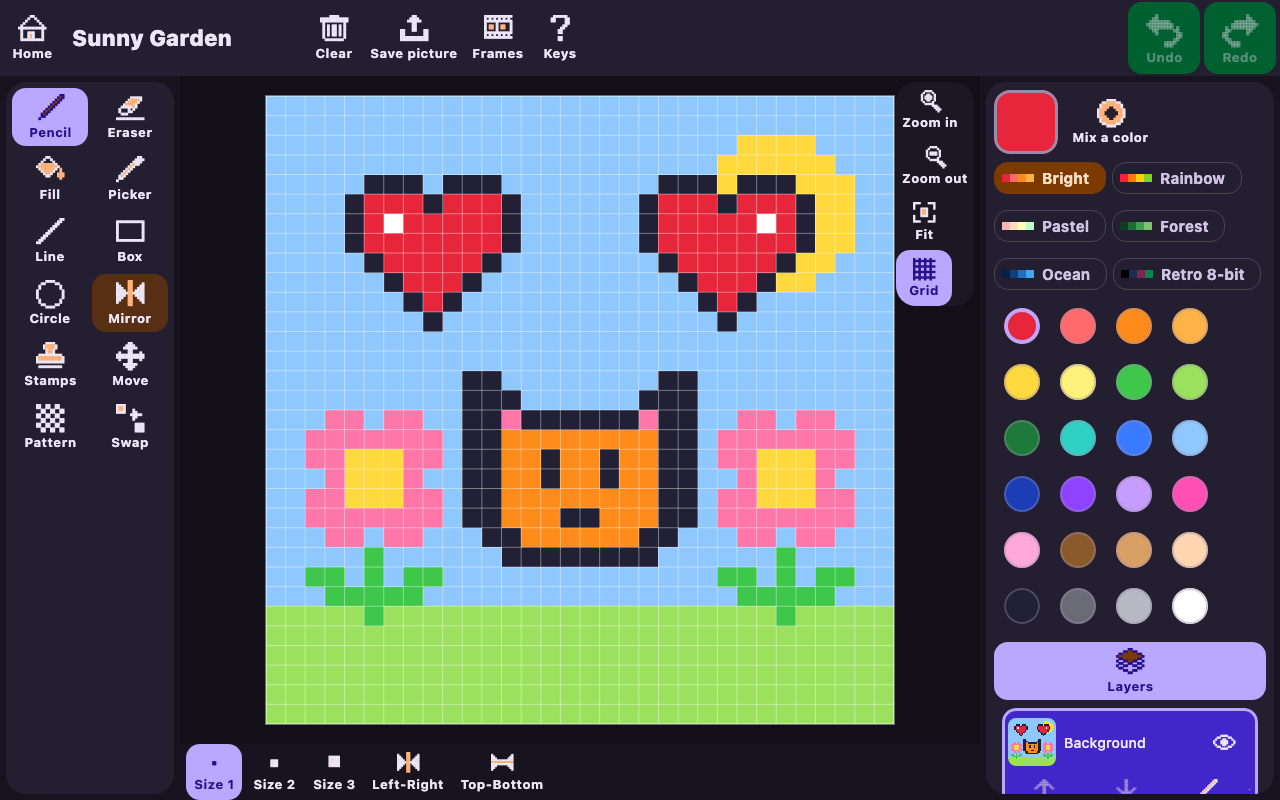
A 24-color palette plus Rainbow, Pastel, Forest, Ocean and Retro 8-bit sets, a color mixer and a "My Colors" row.
⭐
Challenges and coloring pages
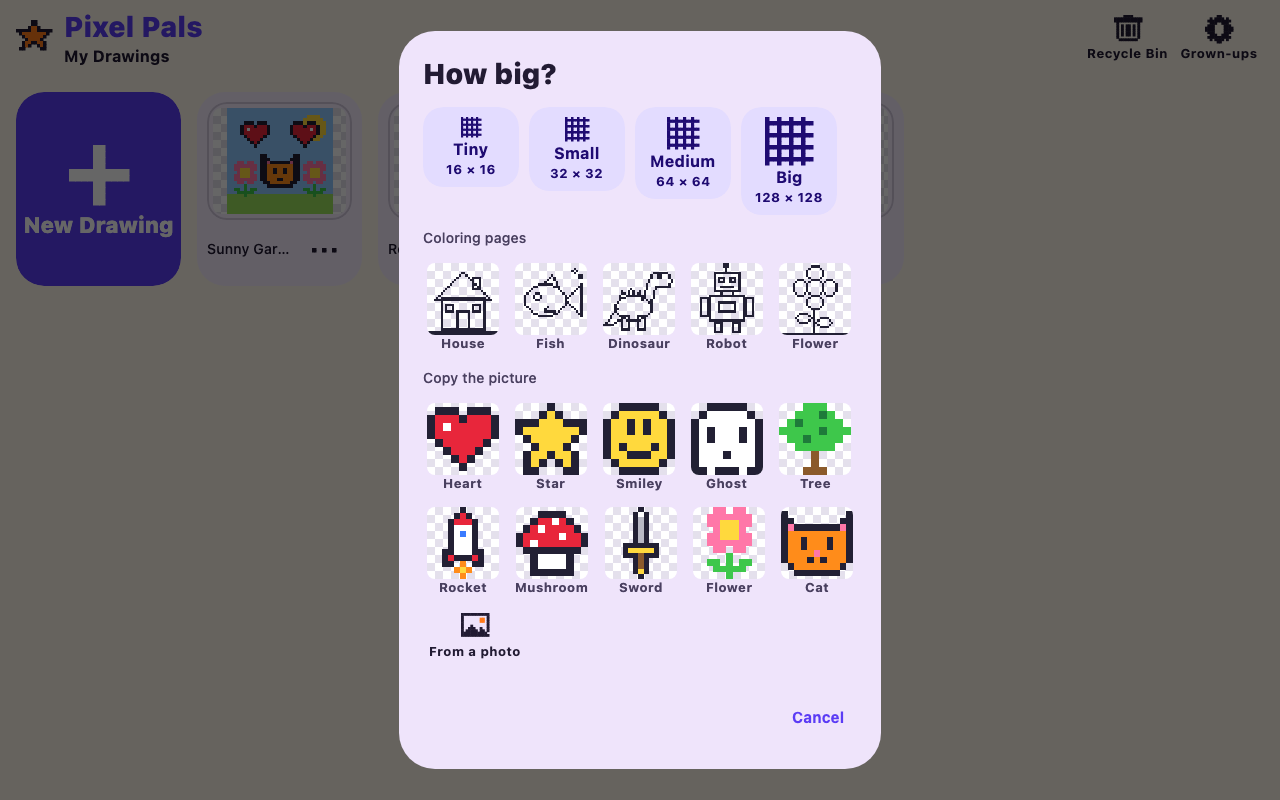
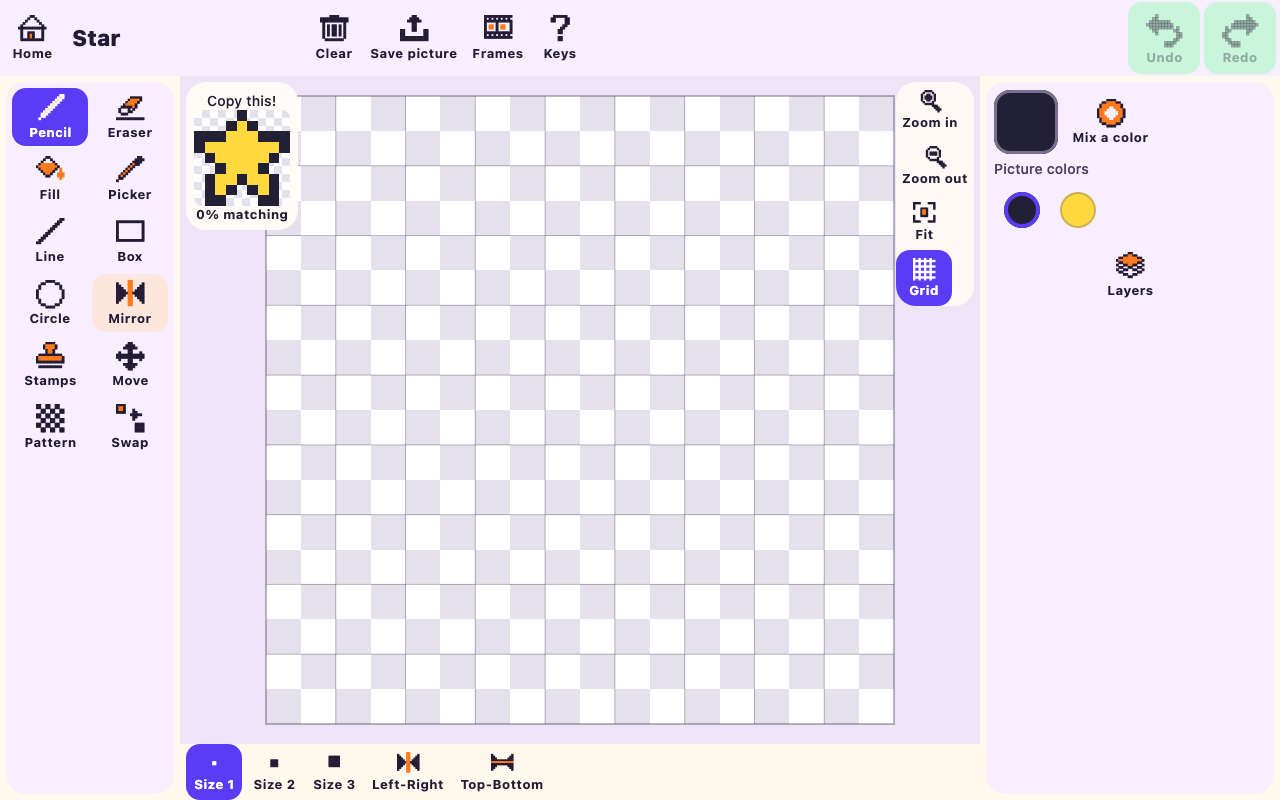
Copy a picture square by square and watch the match score climb (with confetti), or fill in ready-made coloring pages.
🎞️
Animation
Add frames, see the last one faintly with onion skin, and play it back. Export as a GIF or a sprite sheet.
💾
Never lose a drawing
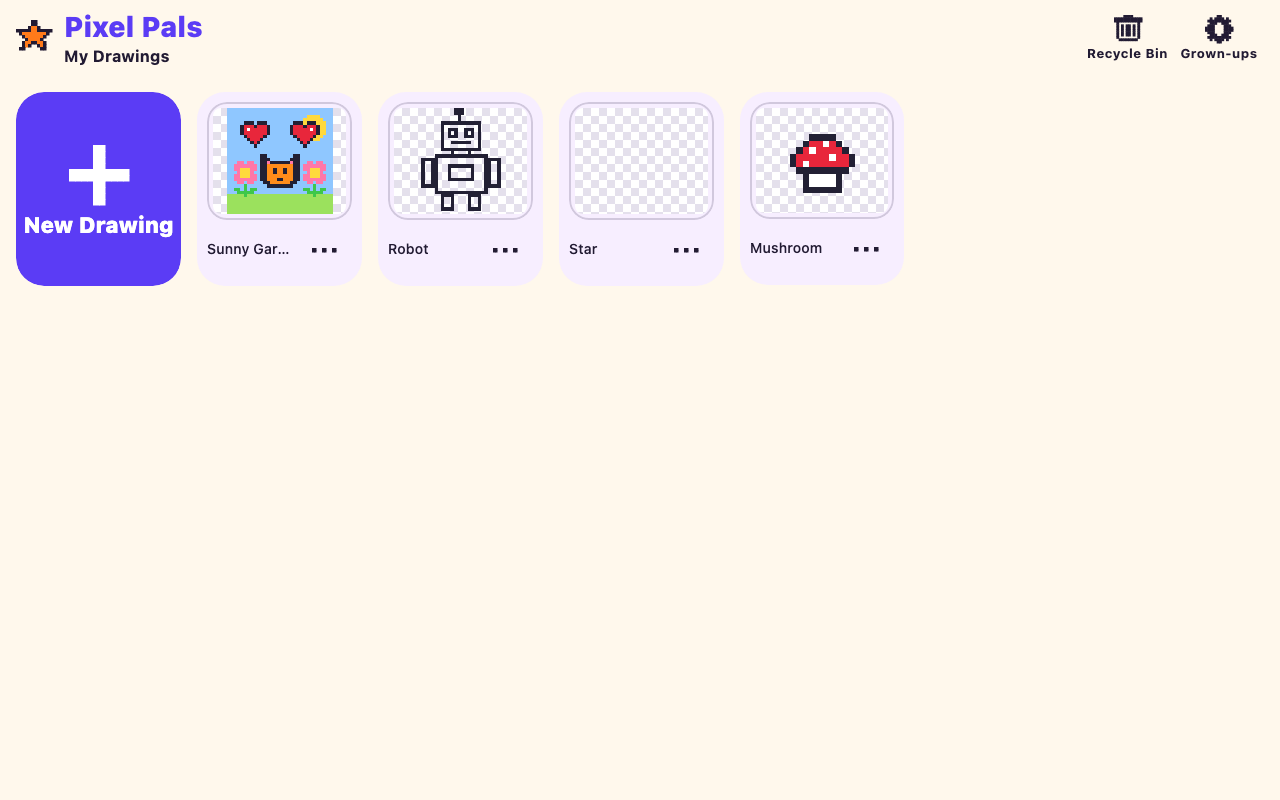
There's no Save button. Drawings save automatically, undo goes back 200 steps, and deleted art waits 30 days in a Recycle Bin.
 Pixel Pals